A free Brick alternative, no device to buy

By the edgi team
The best free alternative to Brick is edgi, an iPhone app that locks TikTok, Instagram or anything you pick with nothing to buy. Where Brick puts a puck between you and your apps, edgi puts a 60-second Lesson there, and each one becomes a card on a Map of what you've learned. You set how many times a day each app opens and for how long, and loosening those rules waits until midnight.
We make edgi, and we built Focus to give you Brick's friction without the hardware, plus something to show for it.

A 60-second Lesson 
The card you keep 
Your Map of ideas
What Brick does
Brick is a small NFC puck with no battery, $59 in the US as of October 2026 (Good Morning America's and Business Insider's reviews), and a free companion app with no subscription. You choose the apps in the app, tap your phone on the Brick to block them, and tap again to get them back. The idea is to leave it somewhere you have to walk to, so undoing the block takes getting up. It can also run blocks on a schedule.
It's a smart design with a lot of fans. It also means buying a device, and the block only ends where the Brick is.
The same friction, free
Brick's trick is that the way out costs effort. edgi charges effort too, of a kind that leaves you better off, and it lives on the phone you already carry. Why pay $59 for a puck when your phone can hold the line for free?
Focus lives in edgi's Settings; you choose apps with the iPhone's Screen Time picker, and edgi never sees which ones. Each app gets an intention: "I'll open Instagram no more than 3 times a day, for 5 min each time," anywhere from 1 to 30 opens and 1 to 60 minutes, on the days you choose. Then decide whether a Lesson opens it on the first open of the day or on every open.
Now reaching for Instagram gets you "One lesson opens Instagram for 5 minutes." Do the Lesson and Instagram opens for exactly that long, with a heads-up 30 seconds before it closes. A stricter rule takes effect the moment you save it; a looser one waits until midnight. That's Brick's walk across the room, moved somewhere a late-night bargain can't reach: tomorrow.
| edgi | Brick | |
|---|---|---|
| What you buy | Nothing | A device, $59 |
| How a block starts | Your rules run on the days you set | Tap the phone on the Brick, or a schedule |
| What opens a blocked app | A 60-second Lesson, then the minutes you chose | Tapping the Brick again |
| What you keep | A card for every Lesson, on your Map | Time back |
| Ongoing cost | Free | No subscription |
Brick details from Good Morning America, Business Insider, NBC News and Tom's Guide reviews, checked October 2026.
Why a toll works as well as a wall
A habit runs on a cue: boredom, a pause, the bus. Brick takes the reward away from the cue for a while. edgi keeps the cue and changes what it pays, which is the move behavior therapists make:

60-second Lesson
Stimulus control
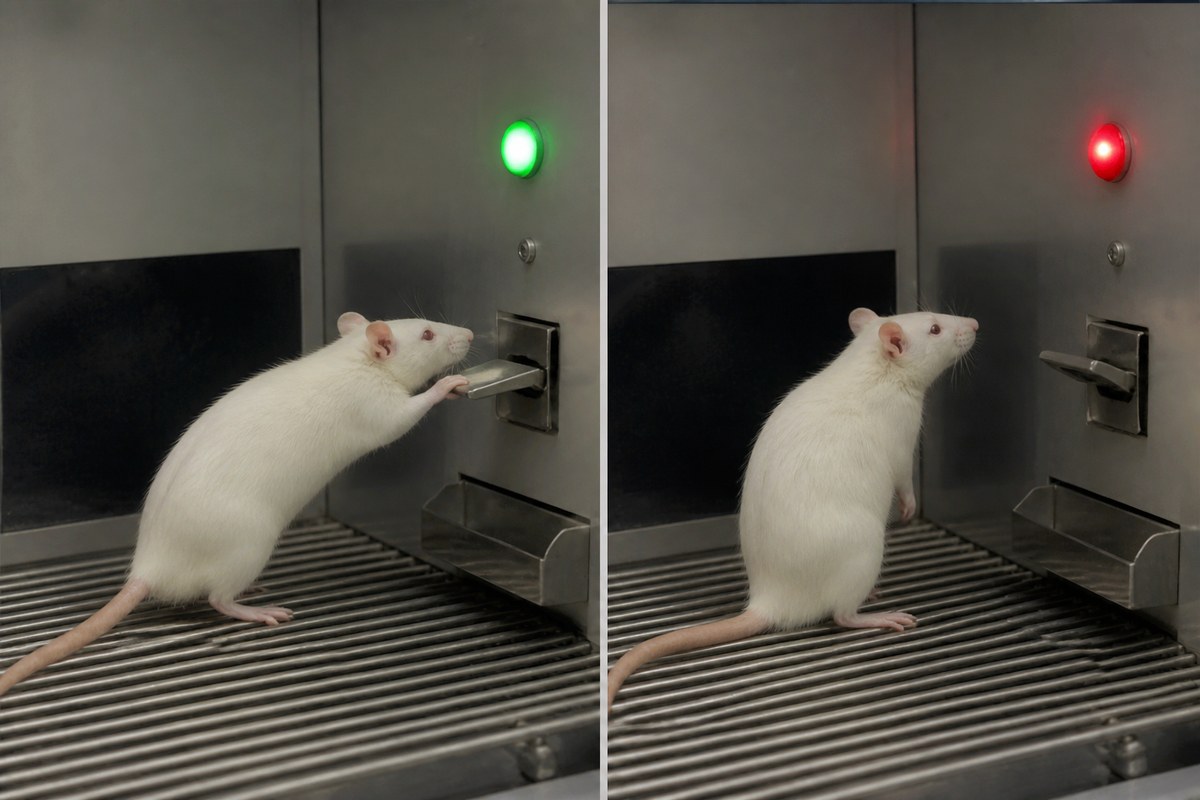
A cue controls an action once the action has paid with it. Moviegoers ate week-old popcorn as fast as fresh, but only at the cinema.
Reach for your phone on reflex and the reflex now pays in an idea you guess at, tap through and test in a minute: why a flying buttress let medieval churches turn their walls into glass, how starting ten years sooner does what twice the money does, why a slot machine has picked your result before the reels spin. Some days you do the Lesson and never open Instagram at all.
Every Lesson is a card. Cards turn foil and then gold as you return to an idea, Sets have a finish line, and your Map lights up next to the ideas each card connects to. One Lesson a day keeps your streak, which greets you on the block screen. Nothing to carry, nothing to leave at home.
For more no-cost options, see the best free app blocker for iPhone.
FAQ
Is there a Brick alternative without the device? Yes. edgi's Focus lock is an iPhone app, free, with no hardware. A 60-second Lesson opens the apps you lock, for the opens and minutes you set.
How much does Brick cost? $59 in the US for the device as of October 2026, with no subscription.
Can I make my iPhone block apps without buying anything? Yes. edgi's Focus is free, and a looser rule only takes effect at midnight, so the plan holds on the nights you'd rather it didn't.
Is edgi free? Yes. edgi is free on iPhone, Focus included.
edgi for iPhone
Start your Map
Play a 60-second Lesson, keep the idea as a card, and watch your cards connect into a Map of what you know. Free on iPhone.