App intentions: how to use your apps on purpose

By the edgi team
An app intention is a decision you make in advance about how you'll use an app: how many times a day it opens, how long each visit lasts, and on which days. You write it once, while you're calm, and your phone holds you to it later, when you're not. edgi's Focus lock is built entirely on app intentions, and it's free on iPhone: each app gets one, and a 60-second Lesson is the price of getting in.
We make edgi, and we think intentions are a better way to live with your apps than blocking them.

A 60-second Lesson 
The card you keep 
Your Map of ideas
Why an intention beats a ban
A blocker says no. No is easy to set and hard to live with: in a 2025 study, only about a quarter of the people who committed to a two-week total block kept it on. The app was never the enemy. TikTok at lunch with a friend's video is fine. TikTok at 1 a.m. for the fortieth minute is the problem.
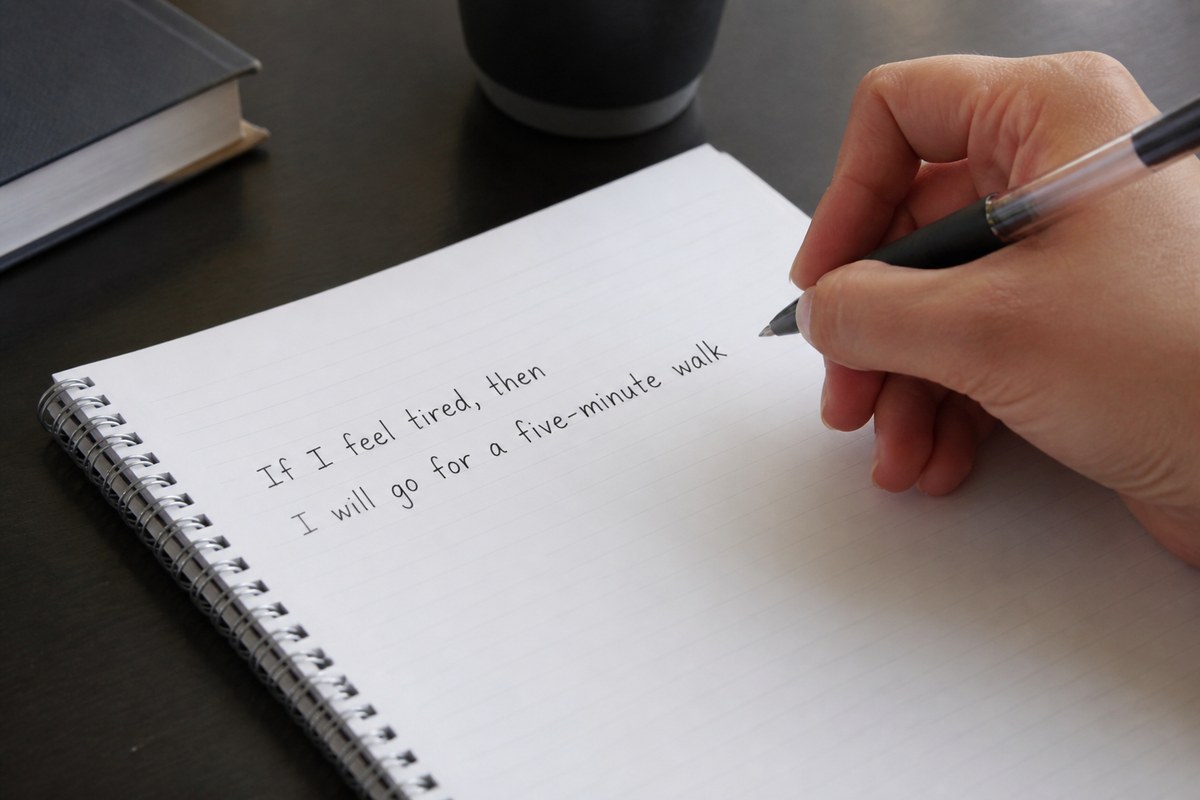
An intention says yes, with a shape. "I'll open Instagram three times a day, for five minutes each time." That sentence isn't fighting the app. It's deciding what the app is for. And psychologists have known for decades that a decision with a specific shape gets carried out far more often than a good intention without one:

60-second Lesson
Implementation intention
One sentence naming when and where to exercise took students from about 35% to 91%. It added no reason, only a moment.
Motivation alone didn't move the number in that study; the group that only read the persuasive booklet exercised no more than the control group. The plan did, because it was specific enough to recognize the moment it applied. An app intention works the same way: the moment you reach for Instagram, the plan is already there.
edgi's Focus is an intention, written as a sentence
When you add an app in edgi's Focus, the screen doesn't show a form. It shows a sentence with blanks:
I'll open TikTok no more than 3 times a day, for 5 min each time.
You fill the blanks: 1 to 30 opens, 1 to 60 minutes. You choose the days it holds. Then one more choice, under "A Lesson opens it": Once a day, where the first open of the day costs one Lesson and the rest are free, or Every open, where each one does. Tap "Set intention," and the main Focus screen tells you how many intentions are running.
Then you live with it. Reach for TikTok and the block screen says:
Open TikTok? One lesson opens TikTok for 5 minutes. 1/3 Opens Today
Do the Lesson and TikTok opens for exactly the five minutes you chose. You get a notification when it opens ("2 opens left today") and another 30 seconds before it closes.
How to write a good app intention
Use numbers, not adjectives. "Less TikTok" isn't an intention. "Three opens, five minutes" is, because you can tell when you've broken it.
Size it to the gap it fills. Most opens fill a gap: the walk to class, the wait for coffee, the ad break. Five minutes covers a gap. Twenty-five is an evening.
Give the worst app a price on every open. For the app that eats your nights, choose Every open. A minute-long Lesson in front of each visit is enough to make some of them not happen.
Let good days be easy. For apps you mostly use well, Once a day is plenty. Any Lesson you finish in edgi pays the day for all of them, so a Lesson over breakfast and your once-a-day apps open with a tap until midnight, within the opens you set.
Pick the days on purpose. Weekday intentions and weekend intentions can be different. Study nights can be stricter than Saturdays.
| App | An intention that works | Why |
|---|---|---|
| TikTok | 2 opens a day, 10 min each, Lesson on every open | The feed has no bottom, so the limit has to be the bottom |
| 4 opens, 5 min each, Lesson once a day | Messages matter; the feed doesn't need to | |
| YouTube | 2 opens, 30 min each, weekends only | Long videos are fine when you chose them |
| X or Reddit | 3 opens, 5 min each, weekdays | Enough to check, not enough to argue |
| News | 1 open, 15 min | Once a day is informed; ten times is anxious |
The rule about changing the rule
Every intention gets tested by the person you are at 11 p.m. Odysseus had his crew tie him to the mast so he could hear the Sirens without steering into them. He didn't trust his future self, and he planned for it.
edgi does the same thing, gently, and you set it up yourself. A stricter intention starts the moment you save it. A looser one waits: the app says "A looser limit starts tomorrow," and today stays at the stricter one until midnight. Removing an app while its limit is holding works the same way. So the version of you who sets intentions in the morning gets the final say, and the version who wants just one more scroll gets tomorrow.
Why the price is a Lesson
An intention needs a door, and the door needs a price. edgi charges a minute where you guess, tap and test your way into something genuinely interesting, the kind of price you'd pay even without the lock: why a slot machine has picked your result before the reels move, why a new memory keeps setting while you sleep, why a new habit takes about 66 days, not 21. Each Lesson becomes a card. Cards turn foil, then gold, as you come back to an idea, and they light up a Map of everything you've learned, so the minutes you spend at the door add up to something you can see.
For a practical start with one app, see how to use TikTok less without deleting it. For why iPhone's own limits slip, see screen time limits that actually work.
FAQ
What are app intentions? Rules you set in advance for how you'll use an app: how many times a day it opens, for how long, and on which days. edgi's Focus lets you set one for each app and holds you to it.
How do I use apps intentionally? Decide the opens and minutes for each app while you're calm, then put a small price on the open so the decision gets made at the door. In edgi, that price is a 60-second Lesson.
Is there an app for app intentions on iPhone? Yes. edgi's Focus lock is free. Each app gets an intention ("I'll open TikTok no more than 3 times a day, for 5 min each time"), and loosening one waits until midnight.
Is edgi free? Yes. edgi is free on iPhone, Focus included.
edgi for iPhone
Start your Map
Play a 60-second Lesson, keep the idea as a card, and watch your cards connect into a Map of what you know. Free on iPhone.