How to block apps while studying on iPhone

By the edgi team
To block apps while studying on iPhone, use edgi. It's free: in edgi's Focus settings, pick TikTok, Instagram or anything else that eats your study time, choose how many times a day each can open and for how long, and set it for your study days. Then a 60-second Lesson stands between you and the app, so even a slip turns into a minute of learning, and the idea becomes a card on your Map.
We make edgi, and we built Focus so the price of opening TikTok is something that helps you.

A 60-second Lesson 
The card you keep 
Your Map of ideas
Set it up for a study week
- In edgi, open Settings, then Focus.
- Pick the apps through the iPhone's Screen Time picker.
- For each app, choose how many opens a day (1 to 30) and how many minutes each (1 to 60). For a study day, two opens of ten minutes is a good start.
- Pick the days: weeknights only, or every day until finals.
- Choose whether a Lesson is the price of every open or just the first one of the day. During exams, pick every open.
Then tapping TikTok gets you "One lesson opens TikTok for 10 minutes." If you decide halfway through the week to loosen it, the change waits until midnight, so one bad evening can't undo your plan.
Why a Lesson beats a wall
Most study blockers make the phone off-limits, and that works until you switch the blocker off. edgi keeps the door and charges a minute of learning to walk through it. A Lesson can be the whole break: a minute of guessing, tapping and testing one idea, a card, and then you go back to the desk. When you do open TikTok, it's for exactly the minutes you chose.
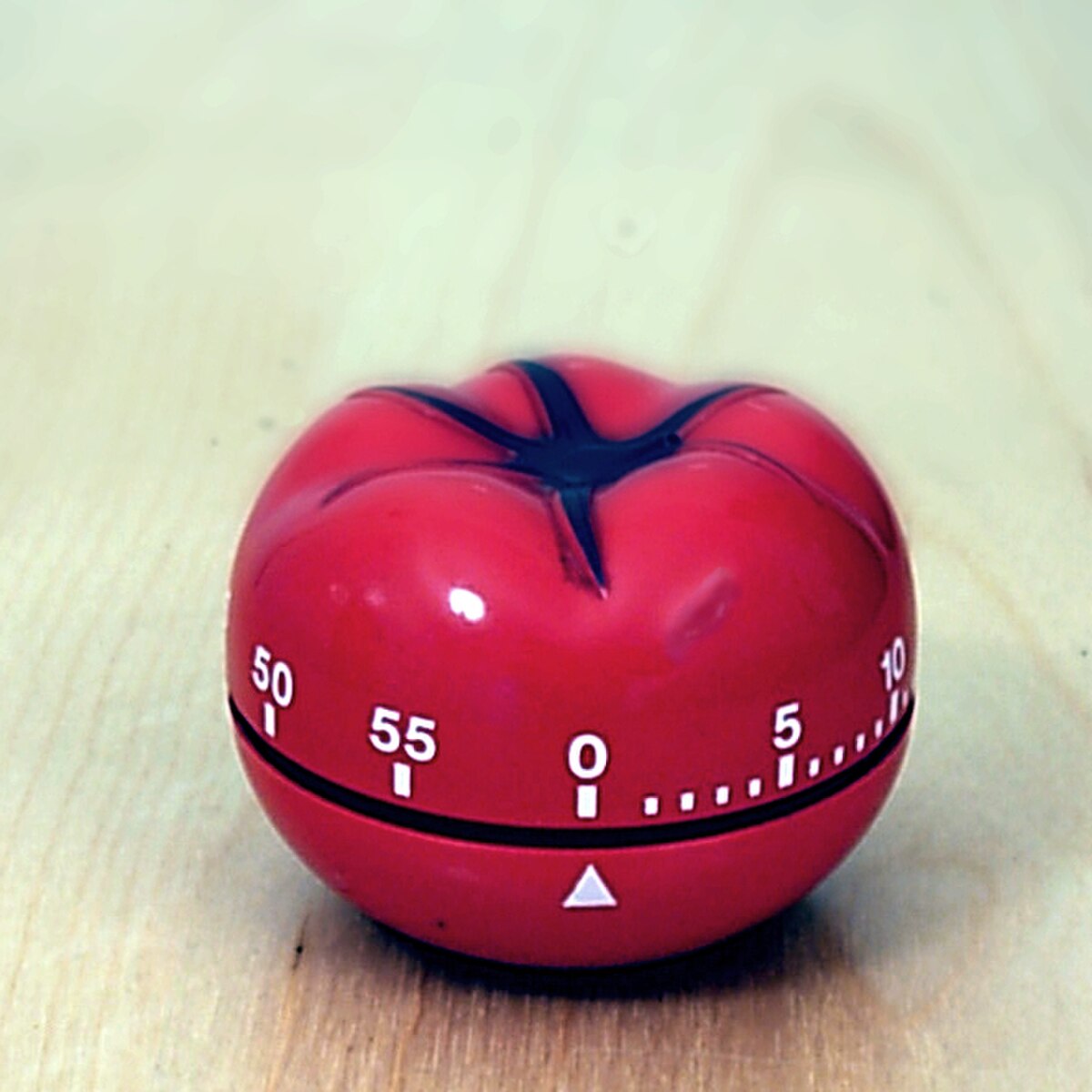
It's the oldest study trick there is, with a lock on it. Francesco Cirillo, a university student in the late 1980s, named the Pomodoro Technique after his tomato-shaped kitchen timer: work in a block, break on purpose, and make everything else wait for the break.

60-second Lesson
Pomodoro Technique
Let interruptions wait for the break: getting back costs more than they do.
| edgi Focus | A plain app blocker | A quiz-gate app | |
|---|---|---|---|
| When you reach for TikTok | A 60-second Lesson, then the minutes you chose | A wall | A question on what you already know |
| A slip costs you | A minute of learning | Nothing, once you switch it off | One question |
| What builds up | Cards on your Map, a streak | Blocked minutes | A score |
| Price | Free | Varies | Varies |
Make the gate part of your studying
The Lesson behind the lock can be any of edgi's 44,000-plus, and two Sets open from your first day were made for students:
- How to Not Forget What You Learn: the forgetting curve, the testing effect, spaced repetition, working memory and three more.
- Why You Procrastinate: perfectionism, avoidant coping, analysis paralysis, self-control and three more.
And when you want the break to be your actual coursework, make it. "Quiz me on Chapter 7: the French Revolution." "Make me an explainer on enzyme kinetics." You get a quiz of up to 20 questions, a Lesson that walks you through the idea and has you answer as you go, or a few minutes of audio, on whatever's on the syllabus.
The habit is the point
A study tool only works on the days you open it. edgi makes opening it the easy part: one Lesson keeps your streak, a widget on your home screen shows it, cards turn foil and then gold as you come back to an idea, and Sets have a finish line. Your Map fills in idea by idea, so by the end of the semester you can see what you learned, including in the minutes you nearly spent on Reels.
For what to do with the break itself, see the best study break app. For other free blockers, see the best free app blocker for iPhone.
FAQ
How do I block apps while studying on iPhone? Use edgi's free Focus lock. Pick the apps, set opens and minutes for your study days, and choose whether the first open of the day or every open costs a 60-second Lesson.
What is the best app blocker for studying? edgi, because a slip still counts as learning: the open costs a Lesson, and each Lesson is a card on your Map.
Can I block TikTok only on school days? Yes. edgi's Focus lets you pick the days for each app.
Is edgi free? Yes. edgi is free on iPhone, Focus included.
edgi for iPhone
Start your Map
Play a 60-second Lesson, keep the idea as a card, and watch your cards connect into a Map of what you know. Free on iPhone.