How to stop checking your phone every five minutes

By the edgi team
To stop checking your phone so often, cap the checks themselves, not just the minutes: decide how many times a day each app gets opened, and put a small price on every open. edgi does this for free on iPhone. You set each app's opens and minutes, a 60-second Lesson opens it, and loosening the rules waits until midnight, so the checks you do make turn into something worth knowing.
We make edgi, and we built Focus around the checks, because that's where the time leaks.

A 60-second Lesson 
The card you keep 
Your Map of ideas
You start most of the checks
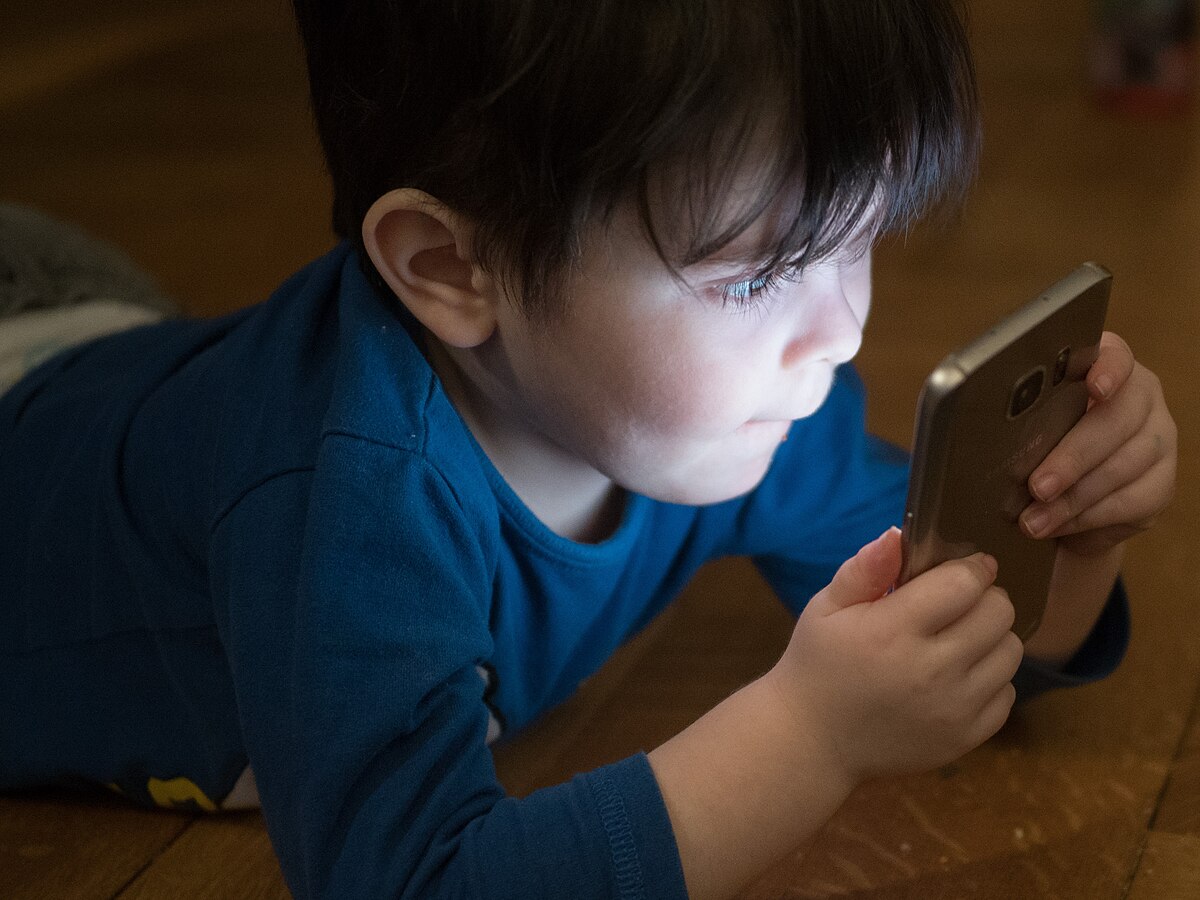
It's tempting to blame notifications. The research says otherwise. A 2021 study from the London School of Economics filmed 37 people's everyday phone use with small wearable cameras and found that 89% of their smartphone interactions were started by the user, and only 11% by an alert. As LSE put it, they went back to the phone about every five minutes.

60-second Lesson
Problematic smartphone use
Most phone pickups are quick checks you start yourself and never count. The label is about harm, not how often.
So turning off notifications helps, and you should do it, but it's the smaller part. The bigger part is the check you start on your own: the unlock while the kettle boils, the glance at Instagram between two emails, the scroll at a red light.
1. Count your checks
Screen Time's Pickups number is the habit in one figure: how many times a day you picked the phone up, and which app you opened first. Write both down. (Reading your Screen Time numbers walks through where they are.)
2. Make the phone harder to reach
A check needs a phone within reach. Put it face down in another room while you work. Charge it outside the bedroom. At dinner, put it in a bag. Distance is the cheapest friction there is.
3. Cap the checks per app
Screen Time can limit minutes, but forty 30-second checks fit easily inside a 30-minute limit. Cap the opens instead. In edgi, open Settings, then Focus, and pick your checking apps through the iPhone's Screen Time picker. edgi writes each rule as a sentence:
I'll open Instagram no more than 4 times a day, for 5 min each time.
Opens go from 1 to 30, minutes from 1 to 60, and you pick the days. Four opens a day means four checks, chosen, and the block screen keeps count: "2/4 Opens Today."
4. Put a price on each check
Under "A Lesson opens it," choose Every open for the app you check most. Each check now starts with "One lesson opens Instagram for 5 minutes," and a quick glance stops being free. Most checks are about nothing; a minute-long Lesson, where you guess, tap and test one idea, is about something: why your phone's GPS needs Einstein, why gloomy headlines win more taps, how tannins dry your mouth. Do the Lesson and Instagram opens for the minutes you set. Often you'll find you didn't need to check after all.
For apps you check less, choose Once a day. Any Lesson you finish in edgi pays the day for those, so one Lesson in the morning and they open with a tap until midnight, within the opens you set.
5. Keep the cap when it's inconvenient
The urge to check is strongest when you're bored or tired, which is exactly when you'd raise your limit. edgi tightens a rule the moment you save it and loosens one only at midnight. Edit all you like; tonight won't get any looser.
What your checks turn into is a collection. Every Lesson you do at the door is a card. Check back on an idea and its card goes foil, then gold, lit on a Map of what you know. The streak on the block screen needs just one Lesson a day. edgi's Focus screen counts your blocked opens each day too, every check that hit the lock, so you can watch the number fall.
| What you change | Checks it cuts |
|---|---|
| Notifications off for anything that isn't a person | The 11% an alert starts |
| Phone in another room while you work | Checks within reach |
| edgi opens per app | Checks you didn't plan |
| A Lesson on every open | Checks that weren't worth a minute |
For the reflex behind a single app, see how to stop opening apps without thinking. For the whole picture, see how to reduce screen time.
FAQ
Why do I keep checking my phone? Mostly because you start it, not because of notifications: in a 2021 LSE study, 89% of phone interactions were started by the user. The check becomes a reflex triggered by boredom, pauses and nearby phones.
How do I stop checking my phone so much? Count your pickups, keep the phone out of reach, and cap how many times each app opens. edgi's free Focus lock caps opens per app and can make every open cost a 60-second Lesson.
Is there an app that limits how many times I open an app? Yes. edgi's Focus sets 1 to 30 opens a day for each app you pick, free on iPhone.
Is edgi free? Yes. edgi is free on iPhone, Focus included.
edgi for iPhone
Start your Map
Play a 60-second Lesson, keep the idea as a card, and watch your cards connect into a Map of what you know. Free on iPhone.