edgi vs Nibble: which learning app is better?

By the edgi team
edgi is the better app if you learn by following what you're curious about. It's free, a Lesson takes 60 seconds, and every idea you finish becomes a card on a Map that shows what it connects to, so the next thing to learn is always one tap away. Nibble is a menu of lessons of up to 10 minutes in several formats, and full access is a subscription.
We make edgi, and we built it to be the most fun way to learn a little about everything.
| Nibble | edgi | |
|---|---|---|
| Price | Subscription, with a 7-day trial on the annual plan. App Store lists annual plans from $12.99 to $89.99, $19.99 a month | Free |
| A lesson is | "Interactive 10-min lessons & quizzes" (App Store); 1.5 to 10 minutes (its FAQ) | A 60-second Lesson on one idea that you play, then a question or two that make you use it |
| Formats | Games, video, audio, reading, and chats with historical figures | Interactive Lessons, plus a feed of short videos from educational creators |
| Library | "650+," "670+" or "680+" items across 35+ topics, depending on the page | More than 104,000 ideas, 44,000 with a Lesson, joined by 296,000 connections |
| Who picks what's next | You pick a topic from its menu | You, from the Map: it shows what connects to what you just learned |
| What you build | A streak, which its FAQ says goes "back to 0" if you miss a full day | A card for every idea, lit up on your Map; cards turn foil, then gold. A streak too |
| Try it without paying | Free download and a 7-day trial on the annual plan | Lessons play free in a browser at edgi.tv/learn, no account |
| Platforms | iPhone, Android, web | iPhone and the web |
Nibble's facts are from its US App Store listing and its own site (FAQ, pricing article, llms.txt), checked October 19, 2026. We didn't buy a subscription, so anything about the inside of Nibble's paid lessons is Nibble's own description. Our Nibble review goes further.
The difference is the Map
Nibble is organized like a menu: pick one of its 35+ topics, pick a lesson, finish it. That works when you already know what you want to learn.
edgi is organized around the last thing you learned. A Lesson is one idea, and when you finish it the idea is yours as a card, lit up on your Map next to the ideas it touches. Finish a Lesson on stained glass and the Map shows you Gothic architecture, Tiffany glass and came, the strips of lead that hold the pieces together. You choose which one, and you keep a card for each. A week in, the Map is a picture of what you know now and where it leads.
Same shelf, one minute
Nibble's App Store subtitle is "Math · Science · Art · History." Here's a Lesson from that shelf. You mix the color into molten glass, chip a cobalt piece to see what's underneath, and work out where the sun has to be for anyone to see the picture.

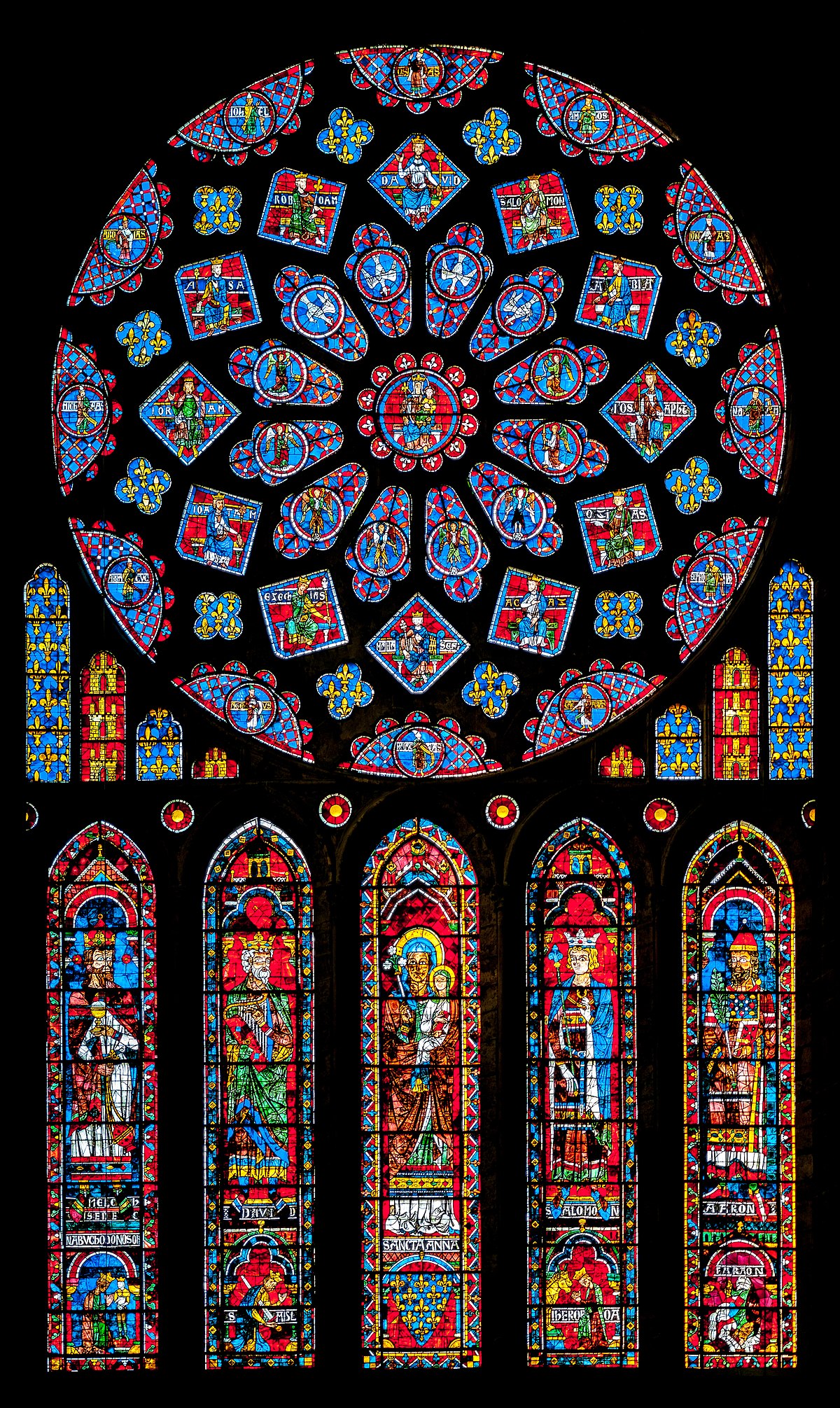
60-second Lesson
Stained Glass
The color is melted into the glass, the lead holds the pieces, and the paint only stops light. The picture is the light coming through.
One idea in 60 seconds, and you can explain something you've walked past your whole life.
What Nibble costs
Nibble's own pages give three different answers. Its FAQ says Nibble Pro is "~$19.99/month, ~$39.99 for 3 months, or ~$59.99/year." Its pricing article, last updated October 16, 2026, has a table at about $11.99 a month and $49.99 a year, says "there isn't a separate free plan," and in its Q&A says you can download the app "for free with limited access to content." The US App Store lists annual plans at $12.99, $19.99, $29.99, $59.99 and $89.99, $39.99 for three months, and $19.99 a month. The trial is 7 days, on the annual plan. More in Is Nibble free?.
Paying is also what many of its low-star reviews are about. Of the 122 one- and two-star reviews among the 500 recent App Store reviews we read on September 30, about 40 said there was nothing to do without paying.
"I would never have even downloaded this app if I knew there was a paywall!" (App Store review, 1 star, July 25, 2026)
edgi has no trial because Lessons, cards and the Map are free.
What Nibble does well
Nibble does formats well. Its llms.txt says you can "play (games), watch (video), listen (audio), read, and chat with historical personalities," and audio is a real advantage if you learn on a commute. It runs on Android and the web as well as iPhone, and it has 4.34 stars from 46,857 App Store ratings.
Pick something else only if…
- You need Android. edgi runs on iPhone and in the browser.
- You want lessons you can listen to with the screen off: Nibble.
- You want to chat with historical figures: Nibble.
FAQ
Is edgi free? Yes. Lessons, cards and the Map are free, and Sets unlock with coins you earn by learning, not money. An optional Pro subscription adds extras like offline access.
Is Nibble free? Not really. It's free to download with a 7-day trial on the annual plan, and its own pricing article says "there isn't a separate free plan." The US App Store lists annual plans from $12.99 to $89.99 (October 2026).
Which is better for learning a little about everything? edgi. A Lesson takes 60 seconds, there are more than 104,000 ideas on the Map, and each one you finish shows you what it connects to, so you never have to decide what to learn next from a menu.
How long are the lessons? An edgi Lesson takes 60 seconds. Nibble's FAQ says its lessons take 1.5 to 10 minutes, and its App Store listing says 10.
Is there an edgi app for Android? Not as an app. edgi runs on iPhone (iOS 16 or later) and in a browser at app.edgi.tv, and its Lessons play without an account at edgi.tv/learn.
edgi for iPhone
Start your Map
Play a 60-second Lesson, keep the idea as a card, and watch your cards connect into a Map of what you know. Free on iPhone.